AI Labs is a 2-hour plug-in activity that runs inside any conference day. It takes the day's own speaker content, layers in guided AI consultations across Study, Explore, and Ideate, and turns it into a real 15-slide team solution deck by the time the room clears — 10 slides explaining the solution, 5 personal testimonial stories from your own team.
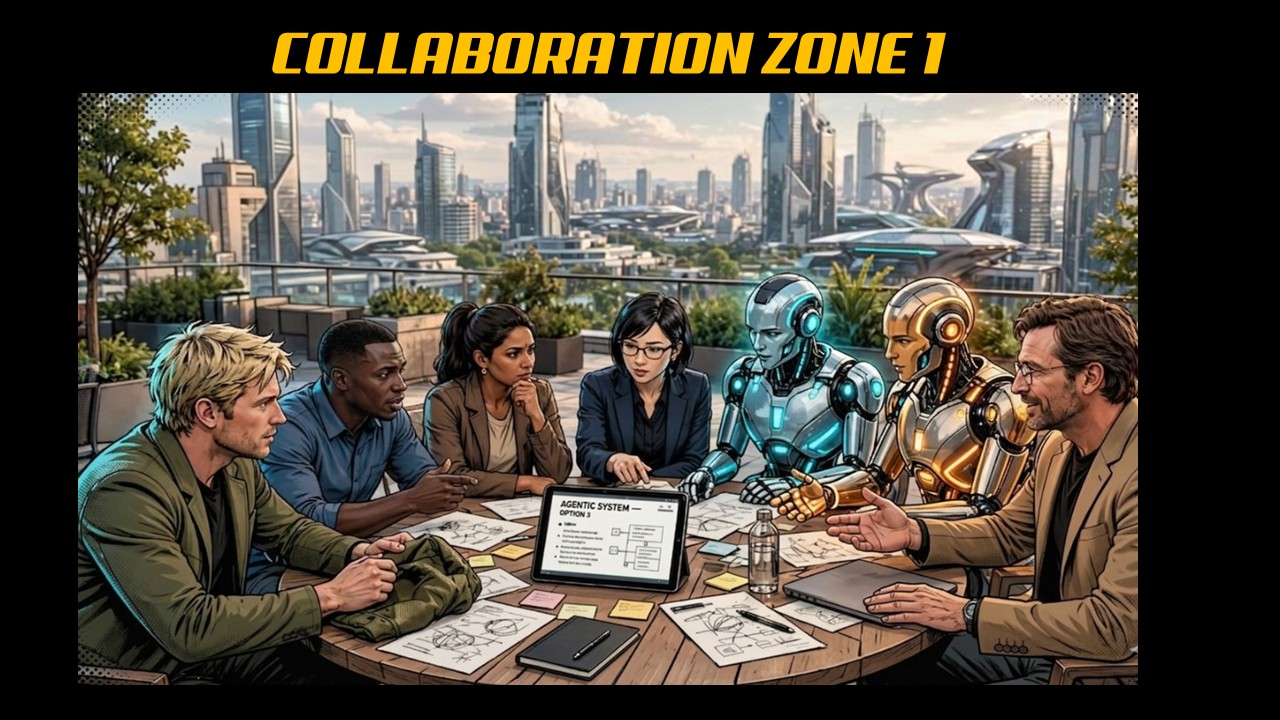
Your table aligns on one shared Purpose Prompt for the next two hours — your organisation, the specific problem you're solving today, and who the solution serves. Click below to copy the Kickoff Prompt and paste it into your chosen LLM; it will walk your table through building that Purpose Prompt in three quick questions.
Whichever speaker just finished on the host conference's own stage — that talk is your input here. Click below to copy the Speaker Sync Prompt. Paste it into your LLM along with your Purpose Prompt and a couple of lines on what the speaker covered; it will generate three observations connecting their ideas directly to your solution.

Click below to copy the News Hub Prompt. Paste it into your LLM along with your Purpose Prompt — it will search out the most current news and discourse connected to your challenge, then share observations on how it applies to your solution direction.
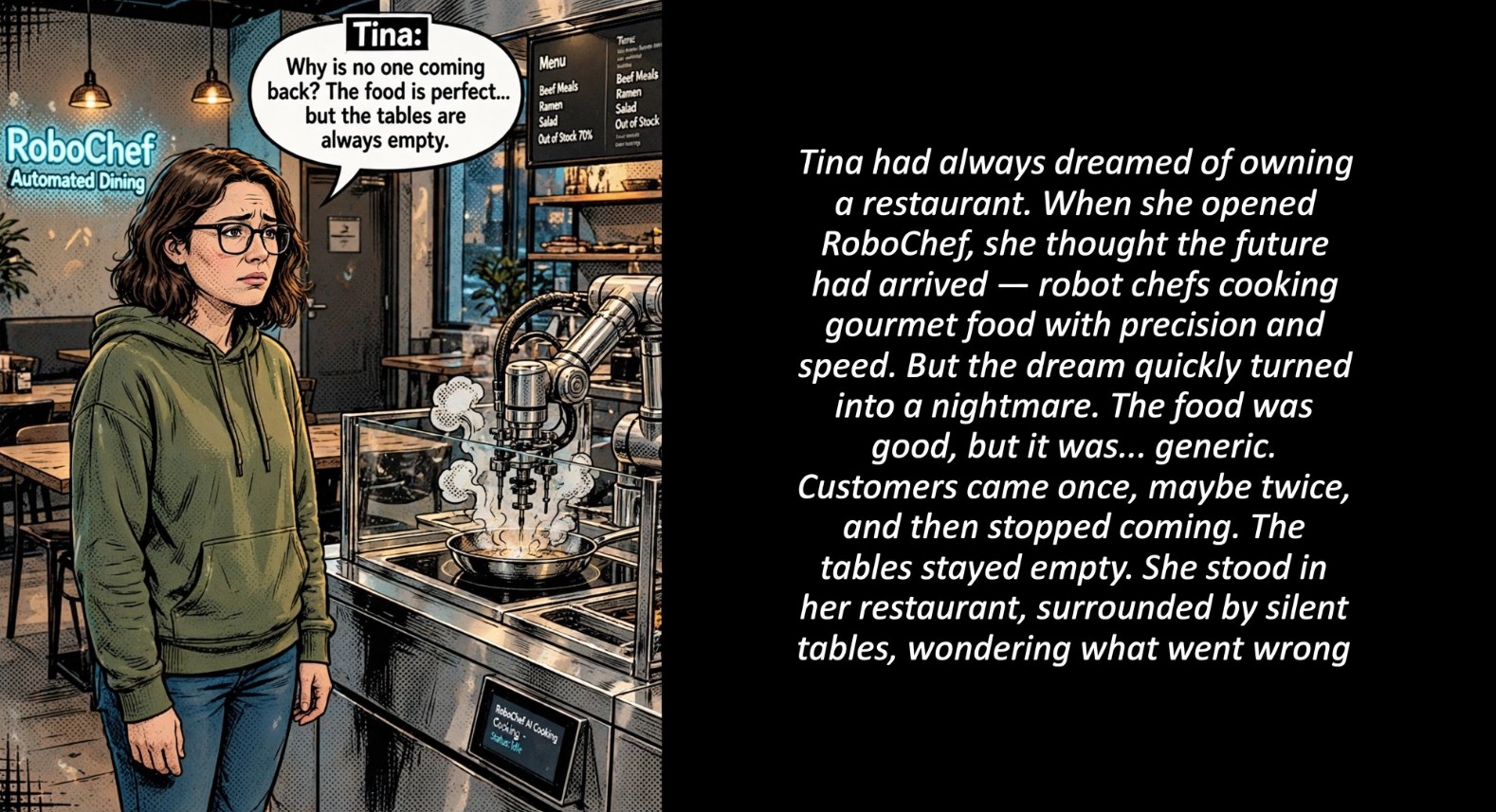
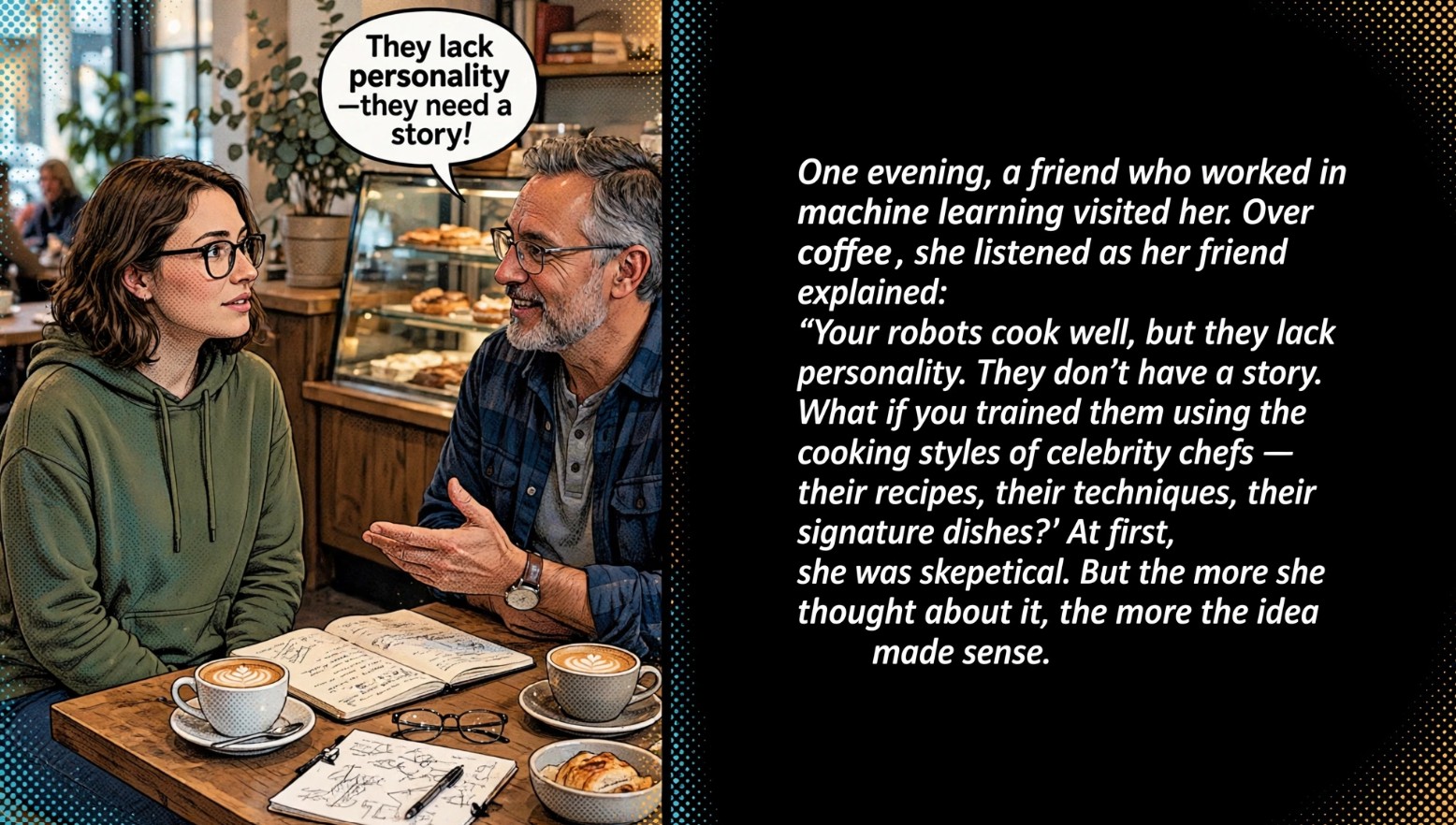
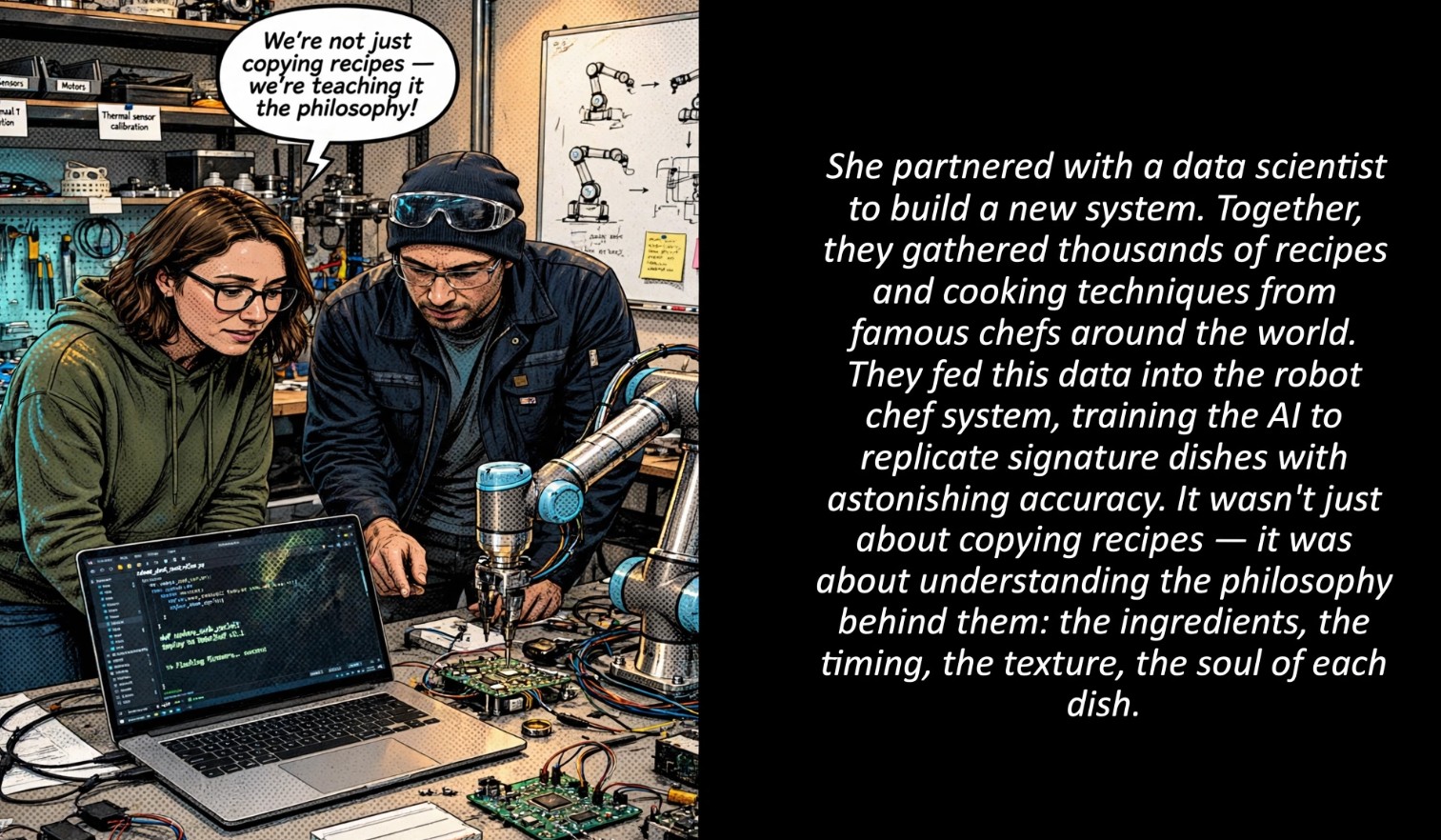
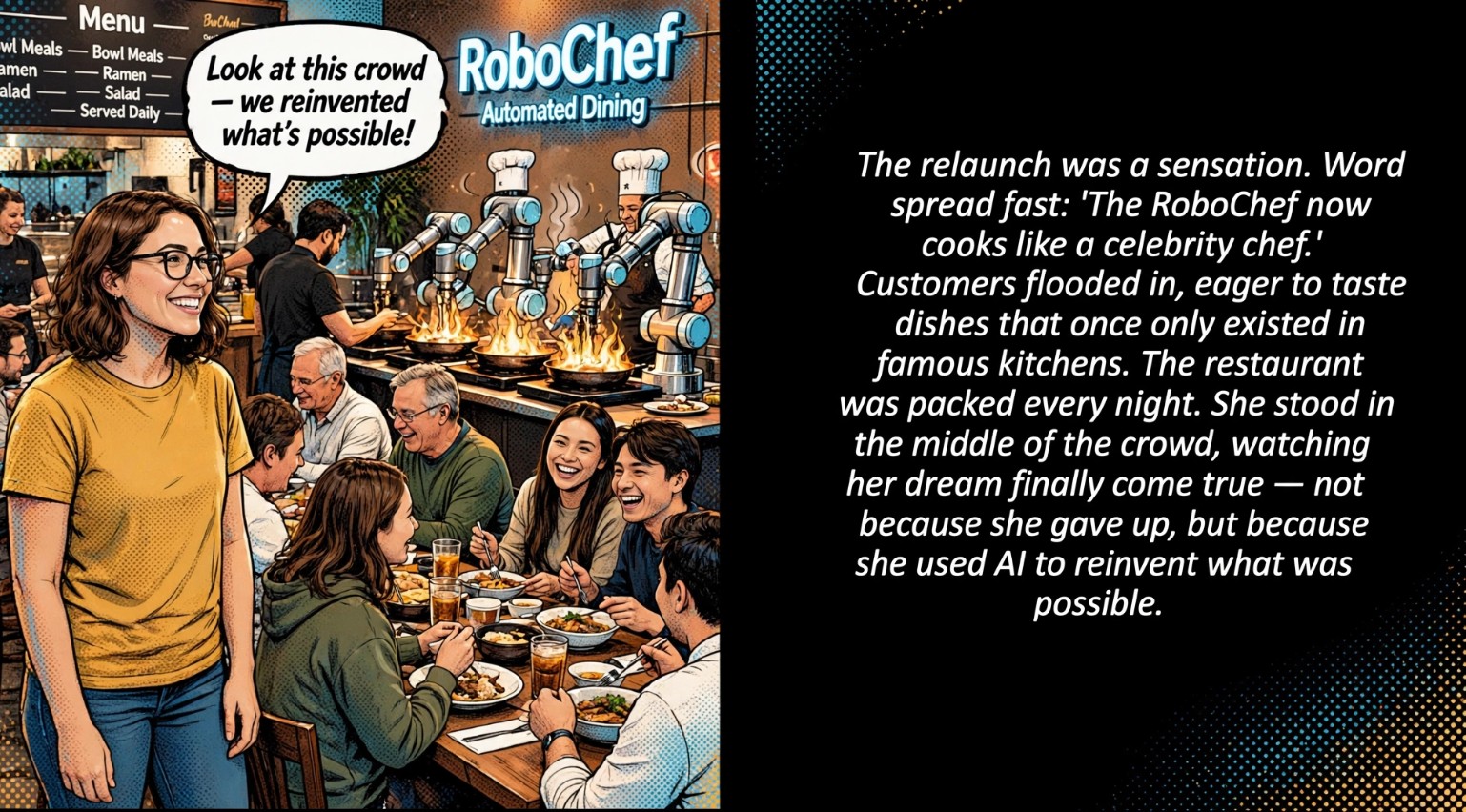
Use the VIEW− / VIEW+ footer controls to follow Rin's story of turning a struggling automated restaurant into one of the city's busiest destinations — the "unique intelligence integration" principle. Click below to connect it to your Purpose Prompt.
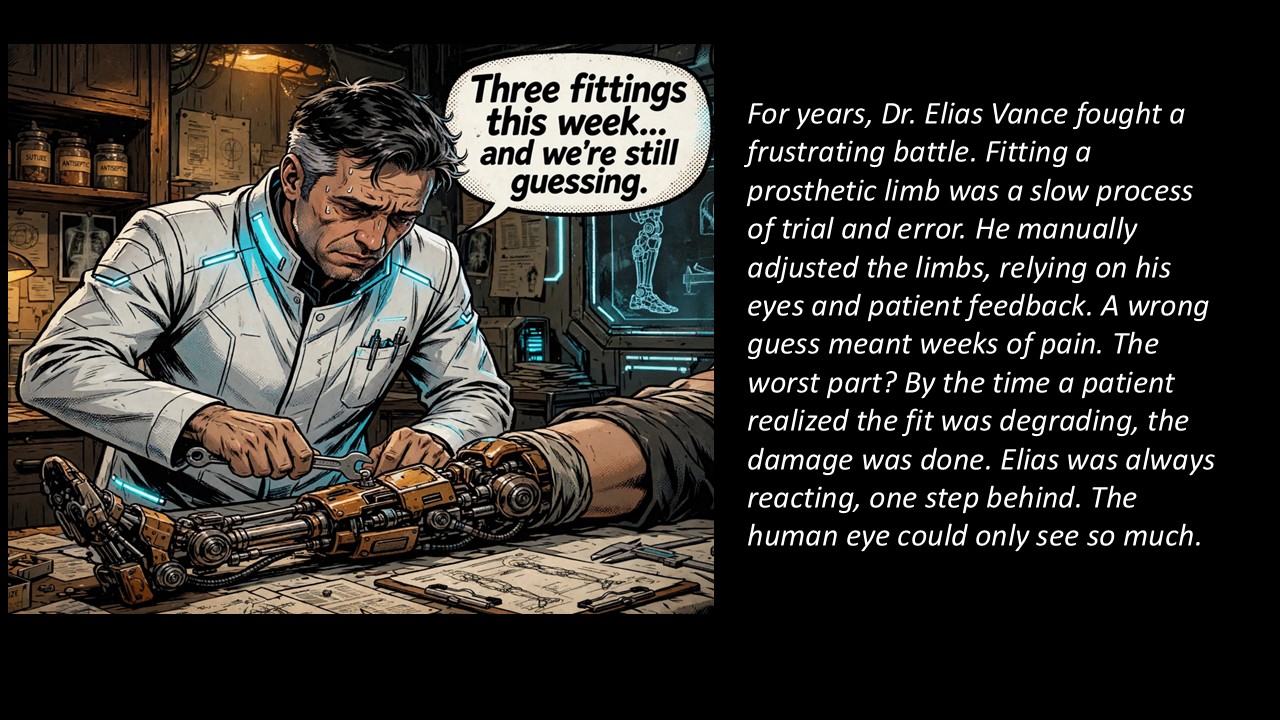
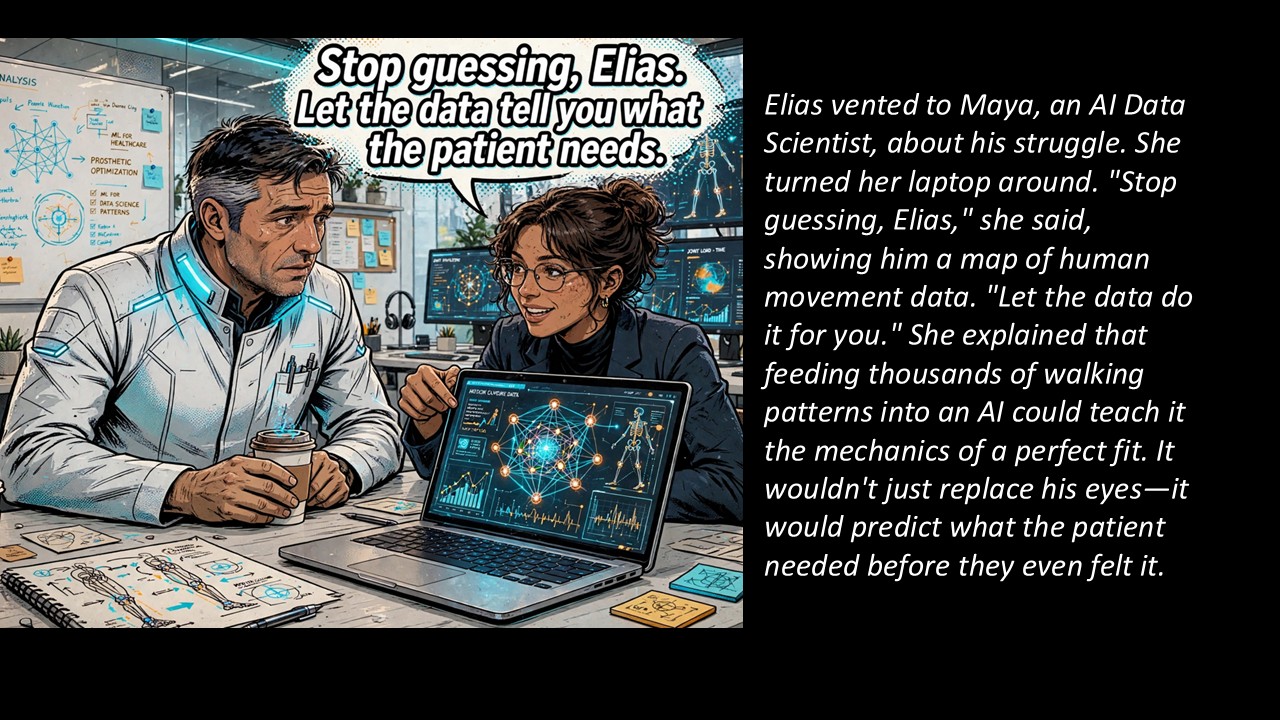
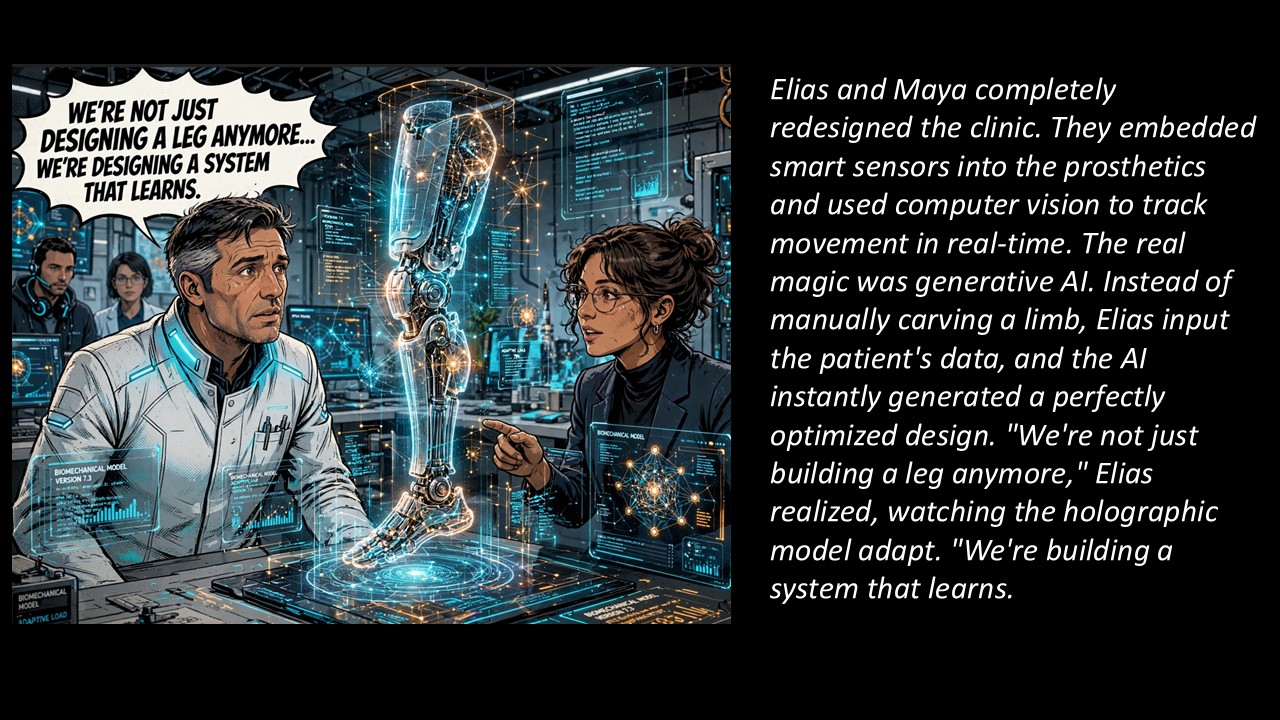
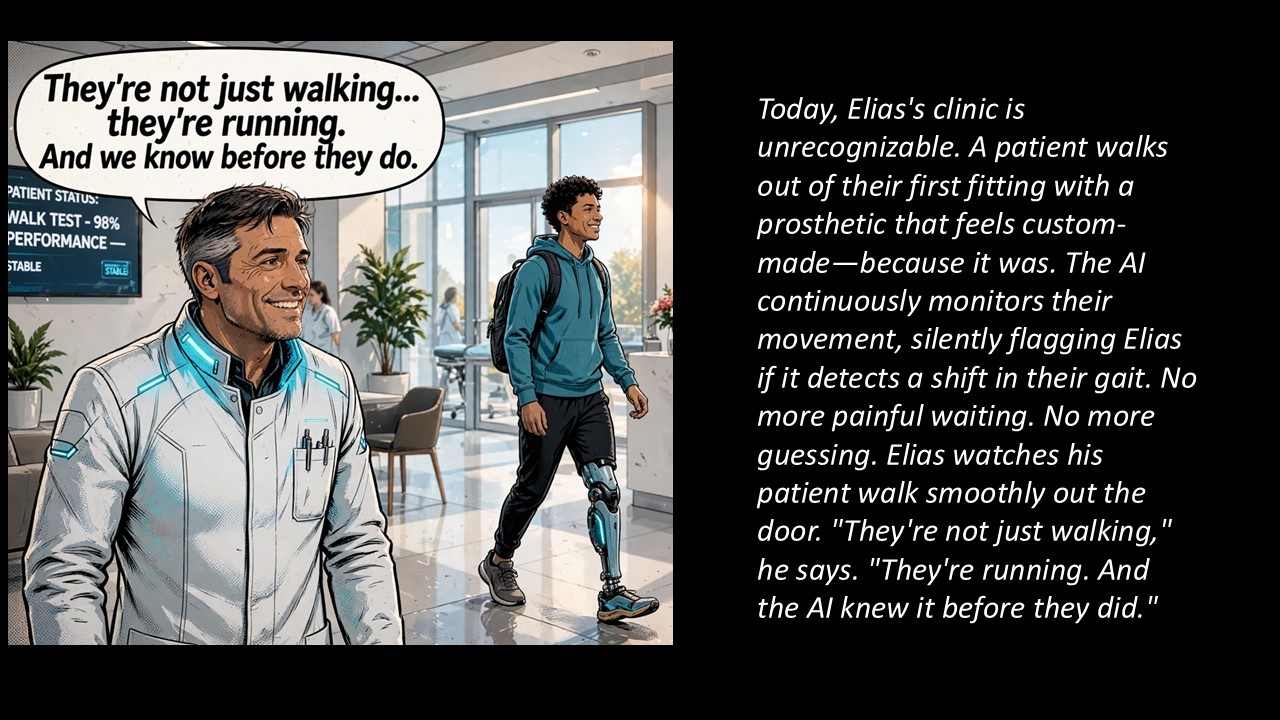
Use VIEW− / VIEW+ to move through three transferable AI trends: real-time computer-vision calibration, generative design, and proactive case management. Click below to connect them to your Purpose Prompt.
This stop works differently from the others. There's no story to read — the information is inside the image itself. Every shopfront in the scene below belongs to a business working at the edge of something: quantum computing, bio-AI, prompt engineering, agentic systems, edge robotics. You're going to hand this picture to an AI and have it read the city for you.
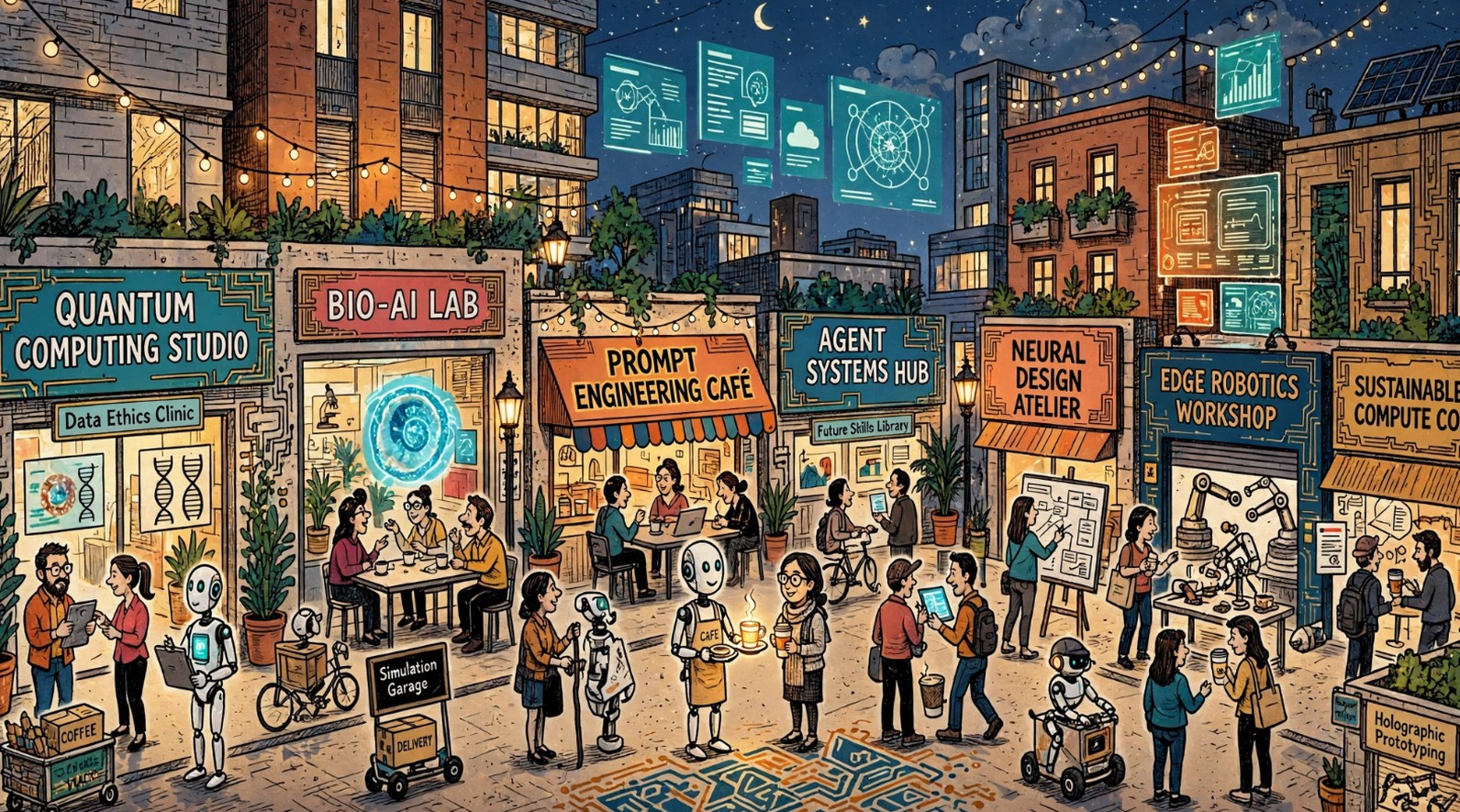
On a phone: use DOWNLOAD FULL IMAGE rather than a screenshot — a screenshot only captures your screen's width, and the smaller shop signs won't read clearly enough for the AI to OCR.
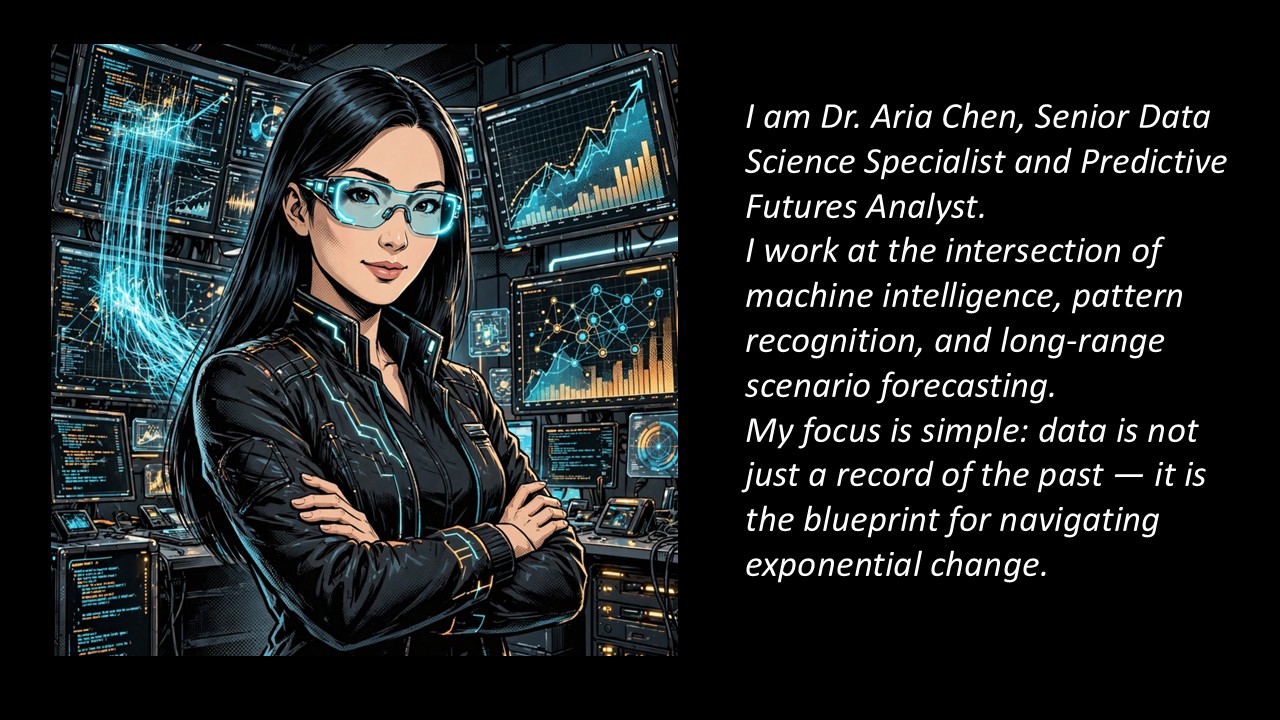
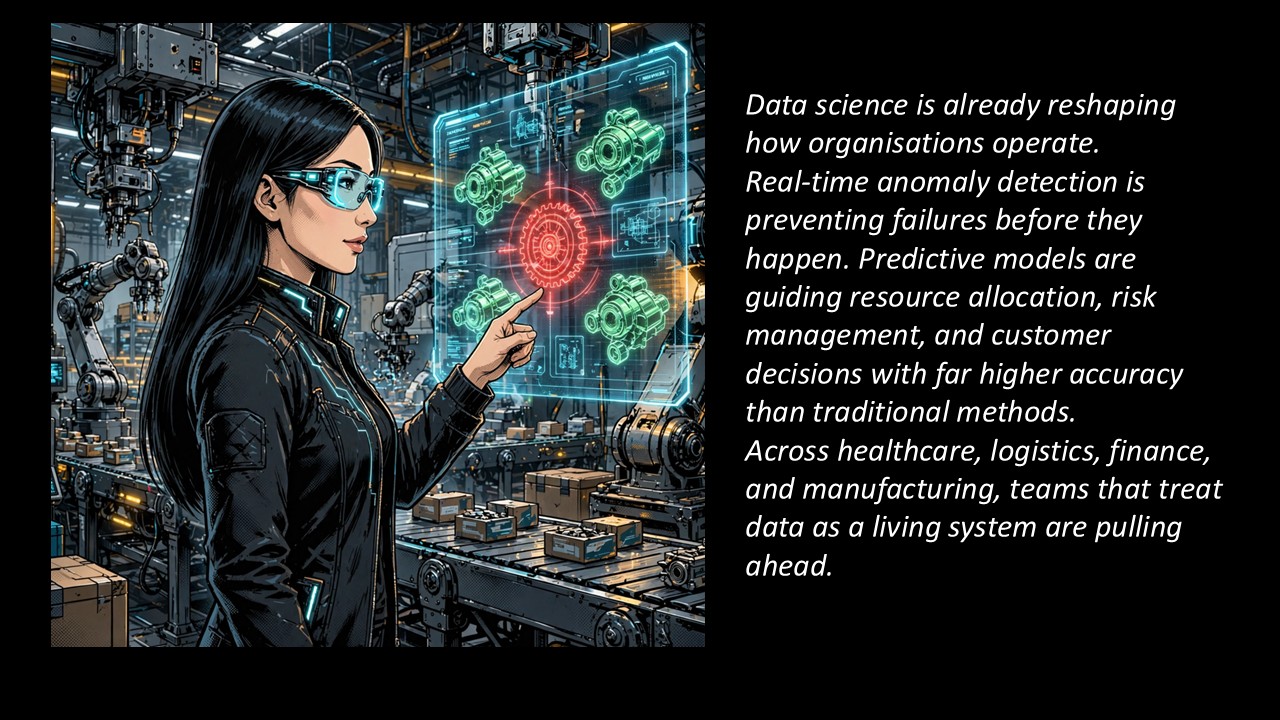
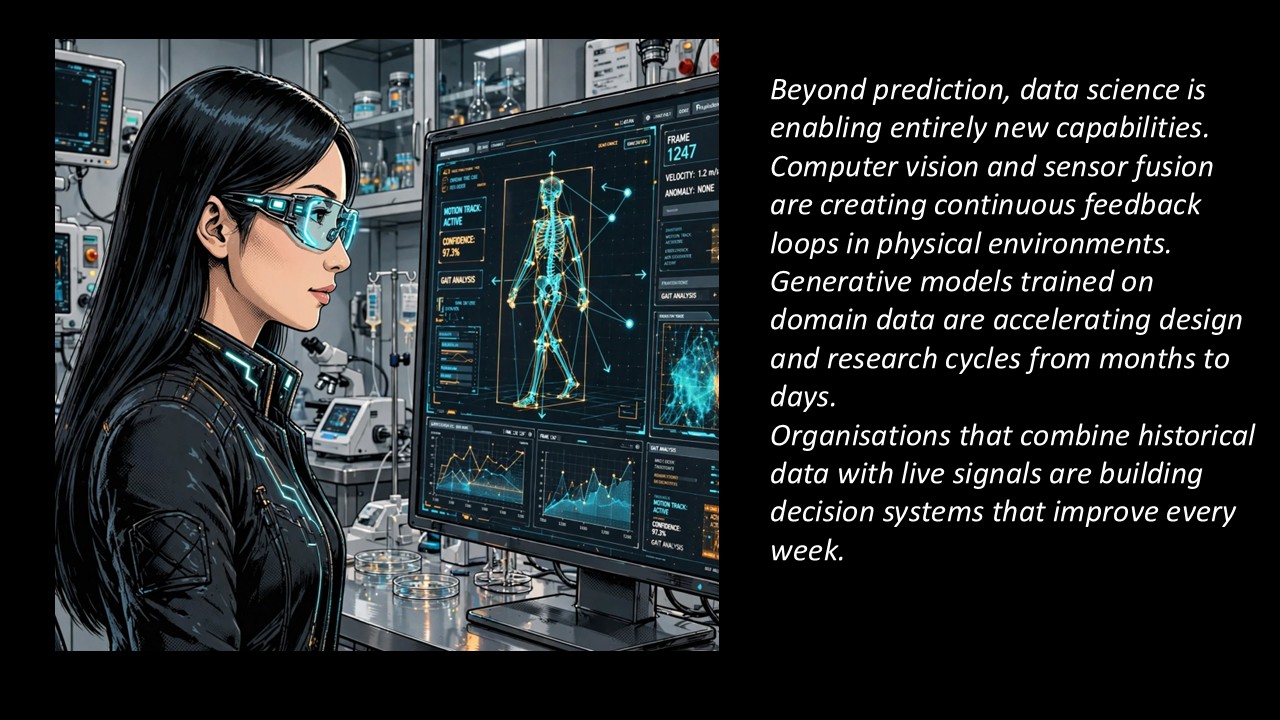
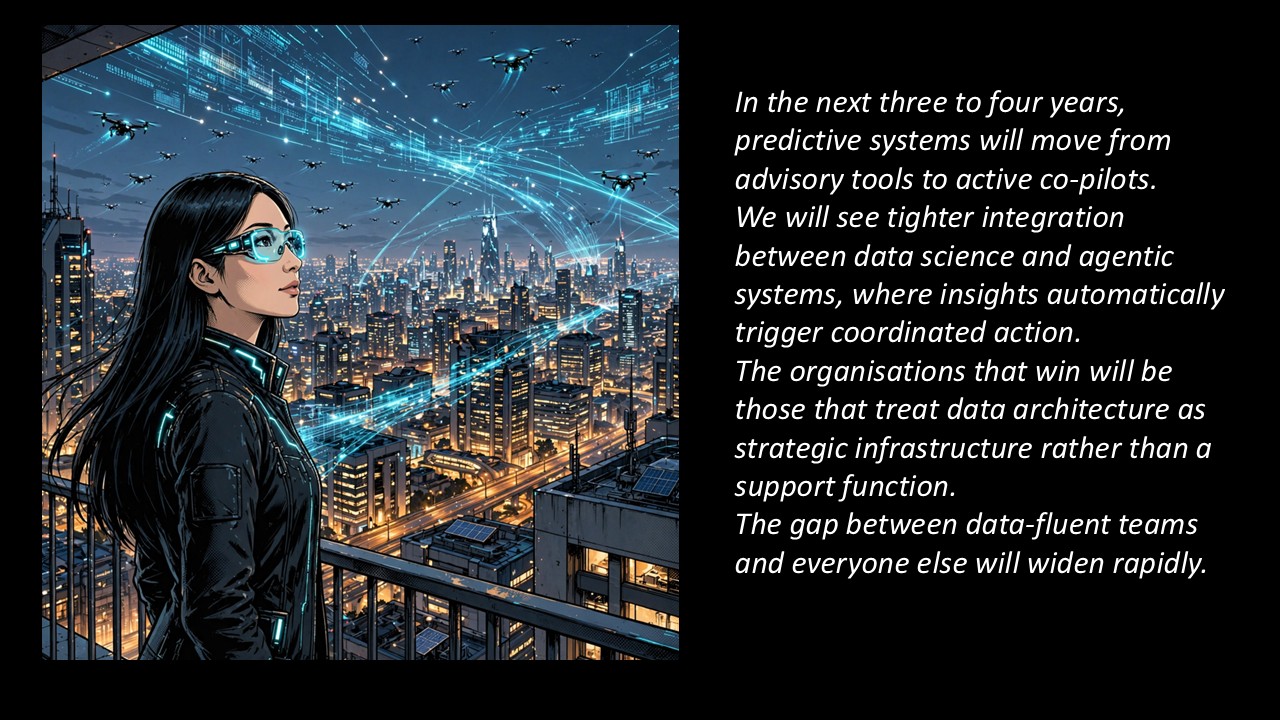
Consult Dr. Aria Chen, Data Science & Predictive Futures Analyst. Use VIEW− / VIEW+ to move through her briefing, then click below to generate three observations connecting predictive data and futures thinking to your Purpose Prompt.
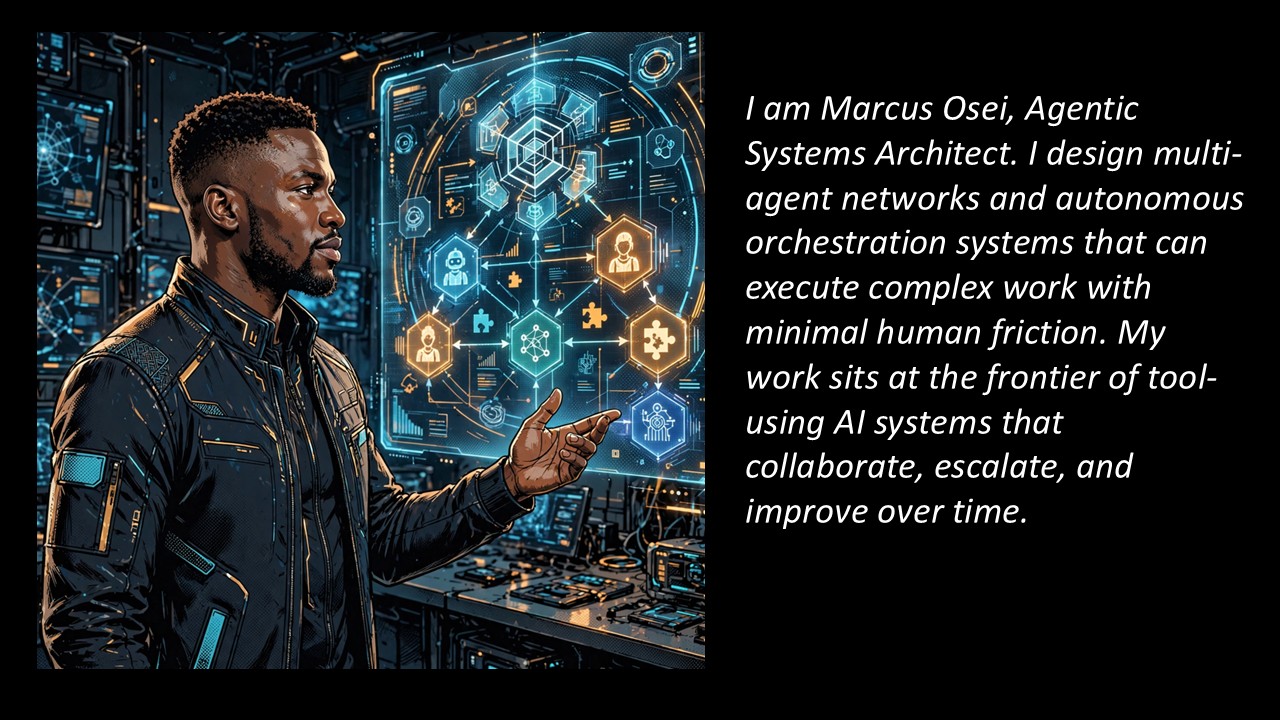
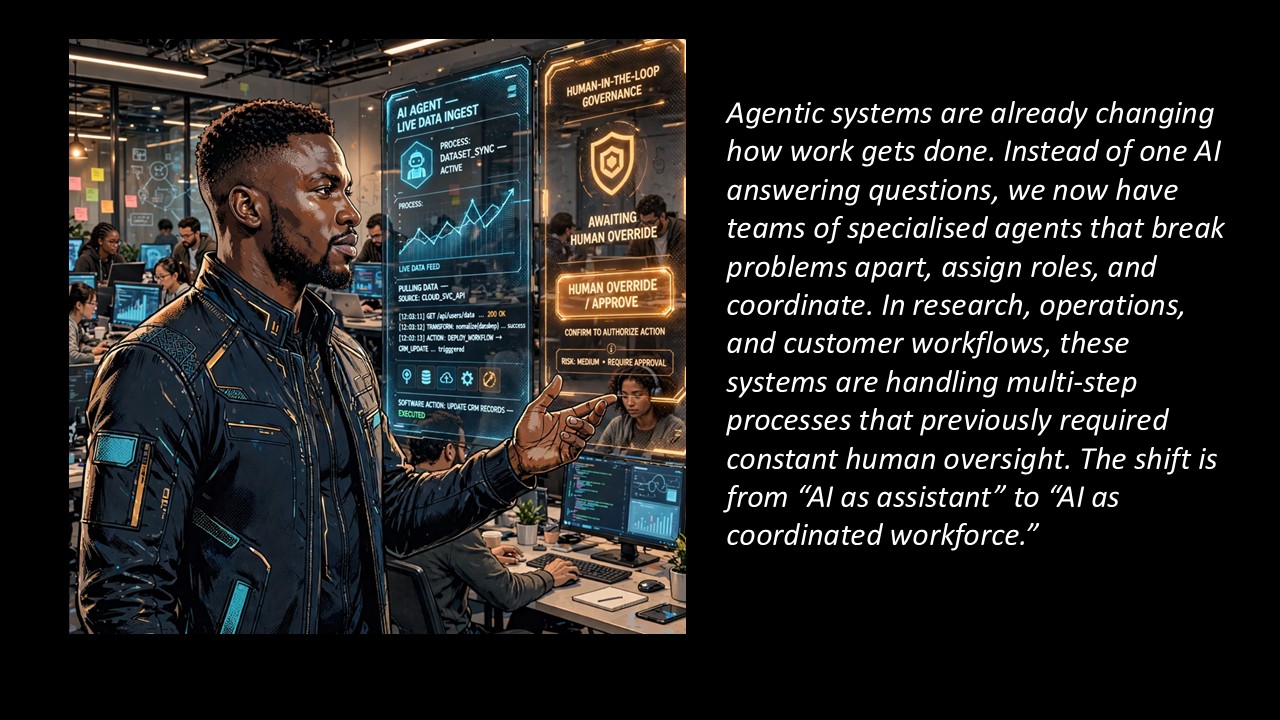
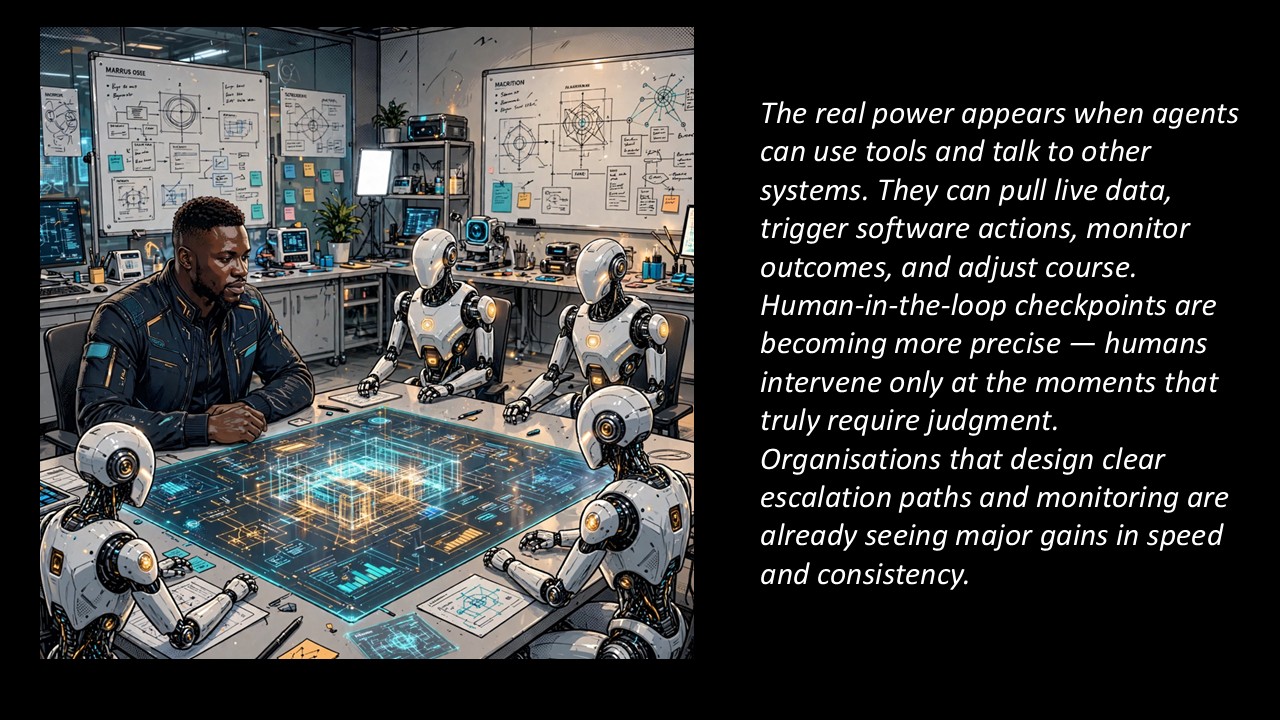
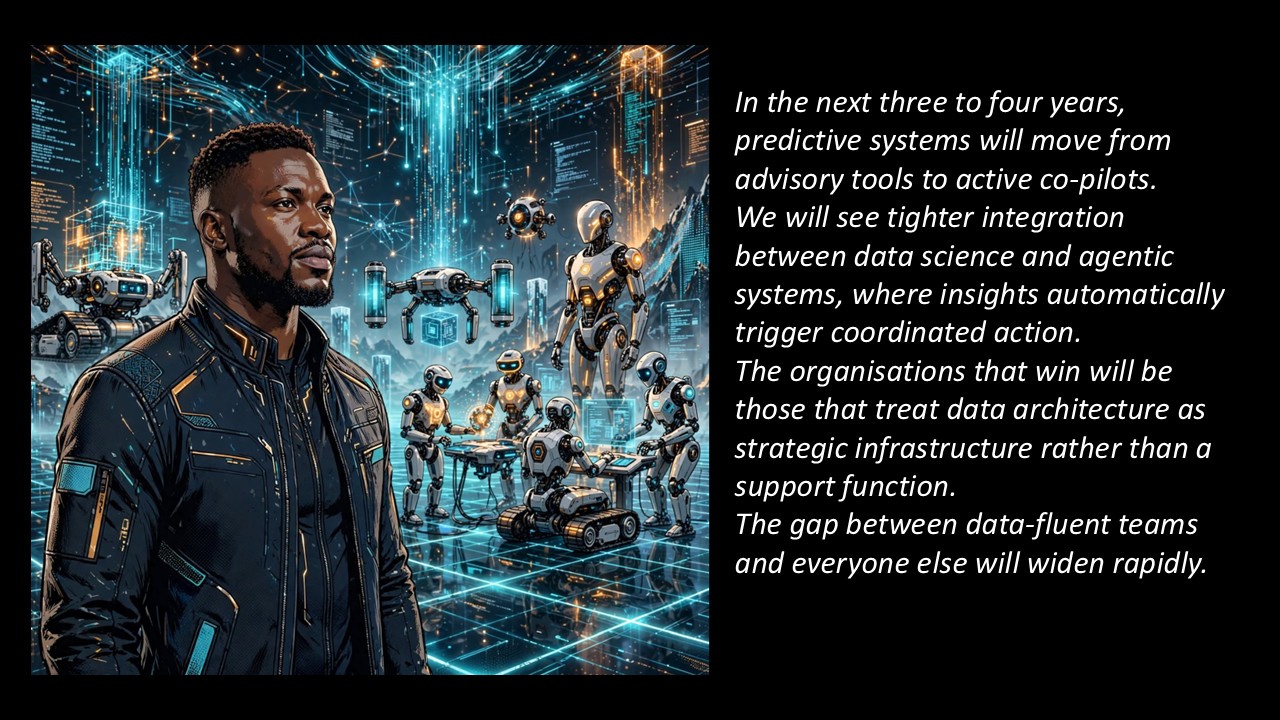
Consult Marcus Osei, Agentic Systems Architect. Use VIEW− / VIEW+ to move through his briefing, then click below to generate three observations on multi-agent task decomposition, governance, and tool integration, applied to your Purpose Prompt.
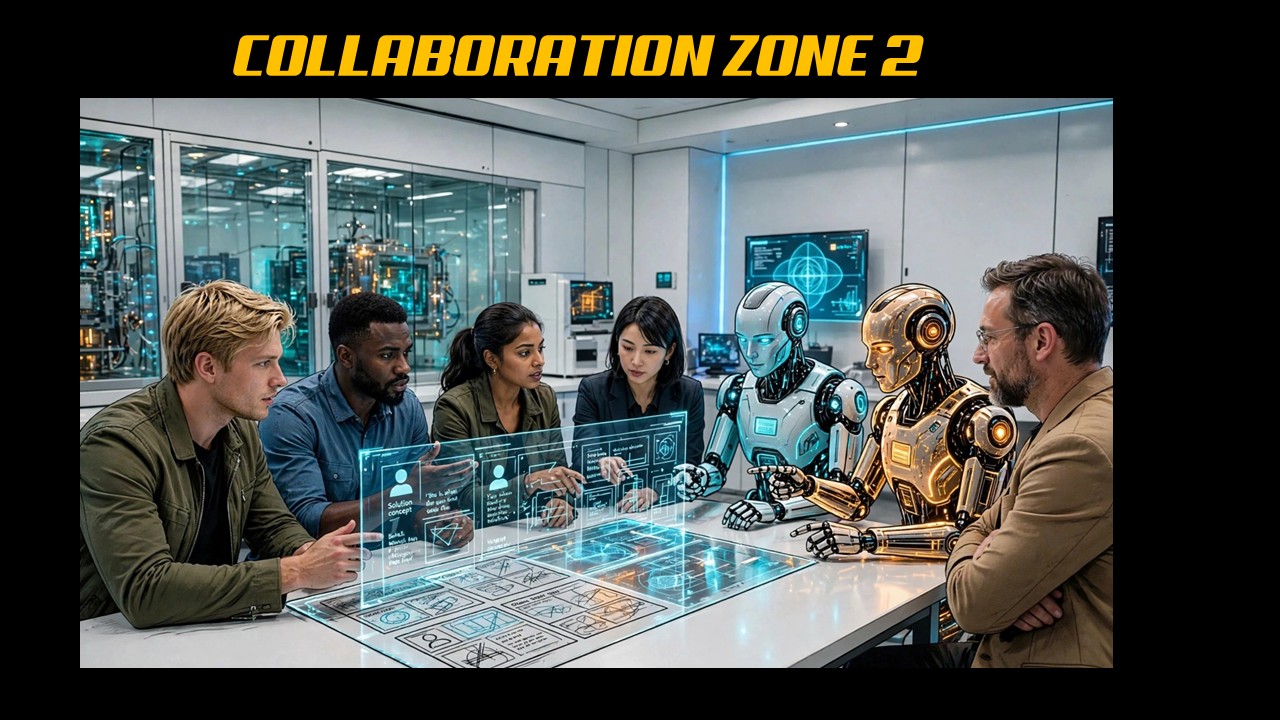
Your captain pastes everyone's Speaker Sync, Study, Explore, Codex Hub, and Ideate observations into one prompt, along with your shared Purpose Prompt. The AI merges all of it into a single ~500-word prototype write-up — your team's first complete solution draft, carried straight into the Agentic Hub next.
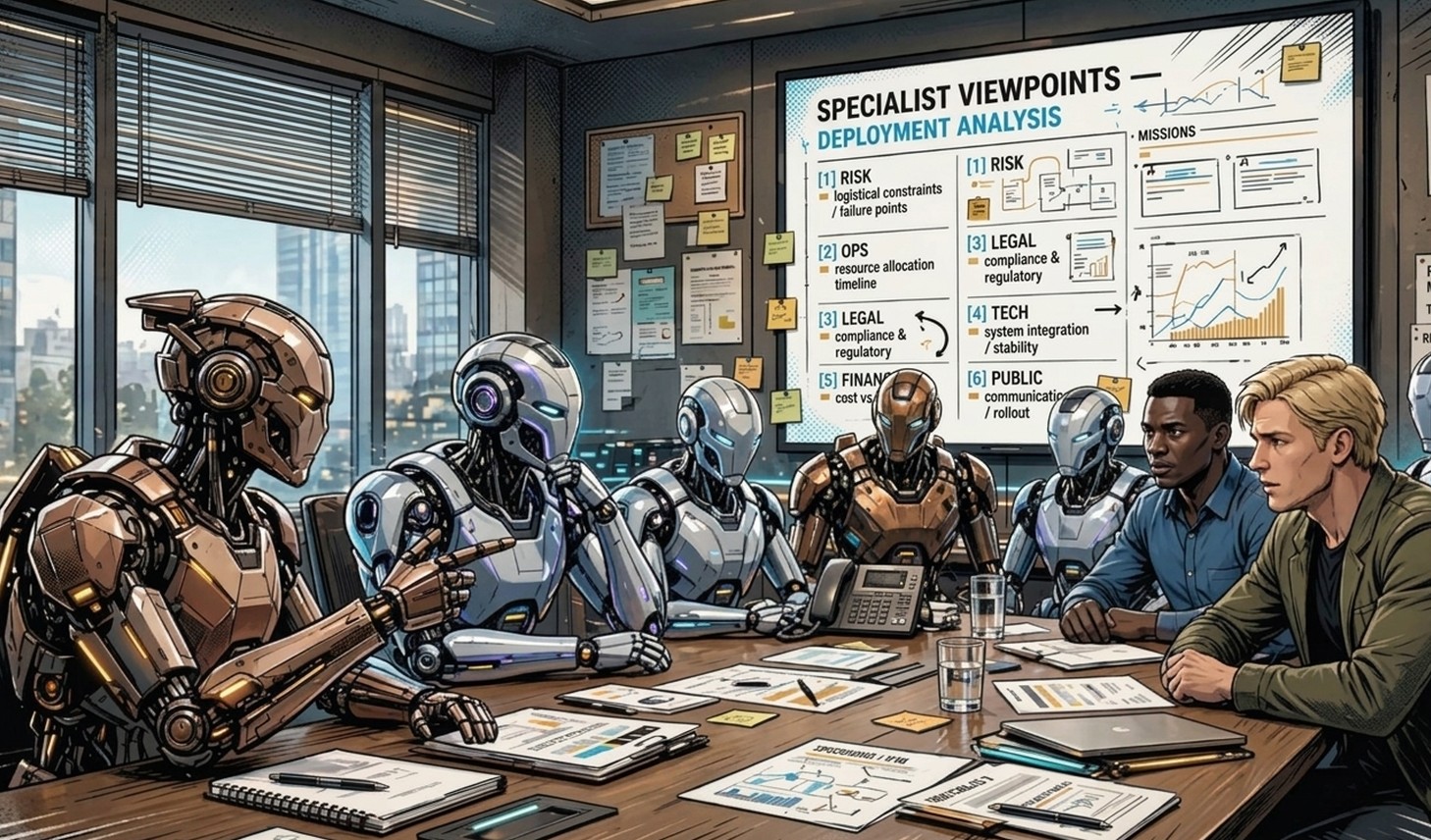
Paste your ~500-word prototype write-up into the Agentic Hub prompt. Six AI specialists — Strategic Context, Solution Architecture, Value & Impact, Deployment & Operations, Human Adoption, and Risk & Resilience — debate and stress-test it as a team, producing a stronger, more complete ~700-word write-up.
Use the last minute of this stop to read the result back as a team and lock it in — this is the version that goes into the Presentation Hub next.
// Hour 1 Complete //
Your team has a locked ~700-word solution write-up. Hour 2 turns it into a 15-slide deck with visuals and testimonial stories.
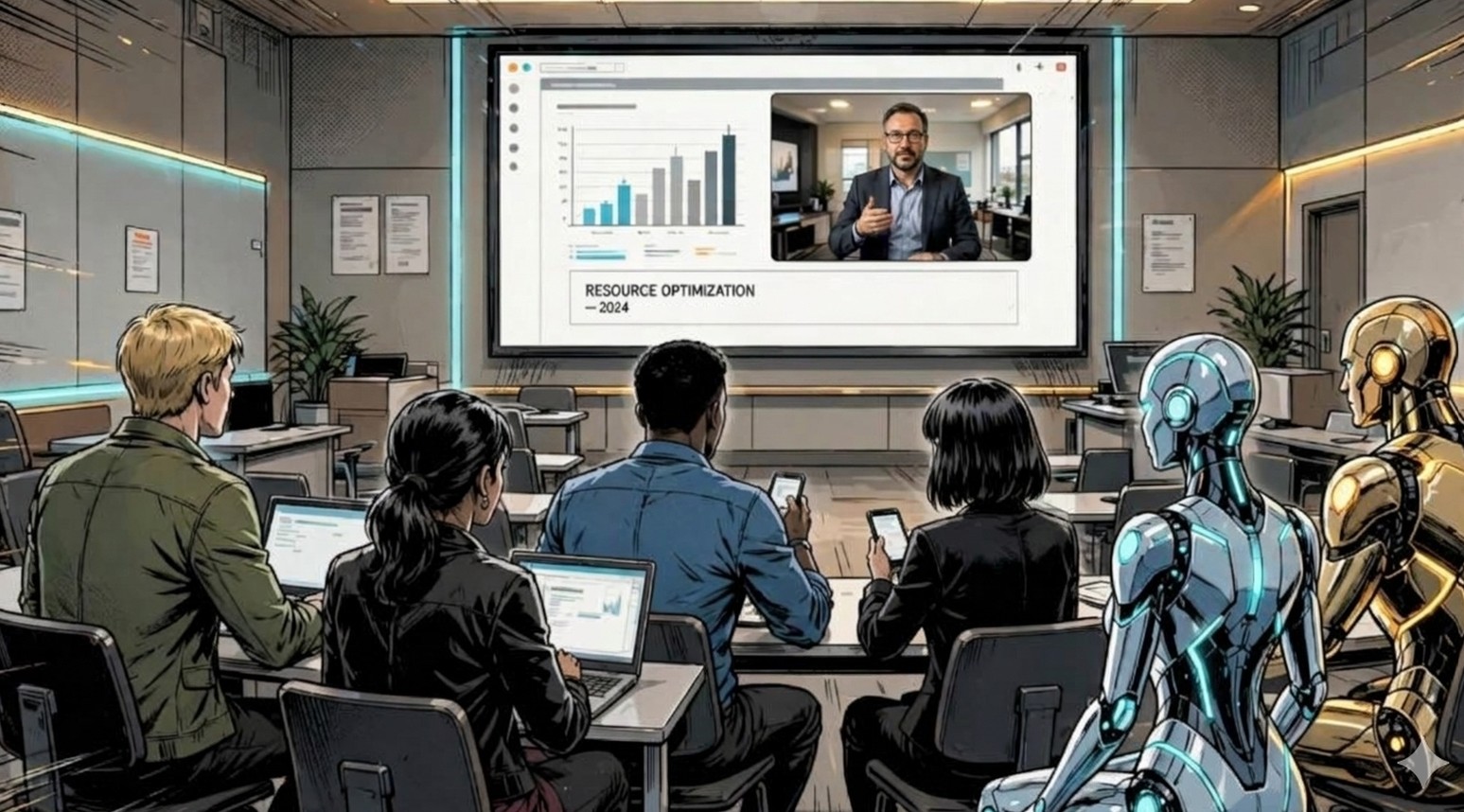
Prompt 1 takes your ~700-word write-up and generates the full 10-slide deck: 7 text slides plus 3 landscape visual slides (the cover, and two concept-visual slides), each visual slide including its own text-to-image AI prompt. Prompt 2 — pasted into the same chat, no hard reset — generates 5 testimonial microfiction stories, one per teammate, tied to your solution.
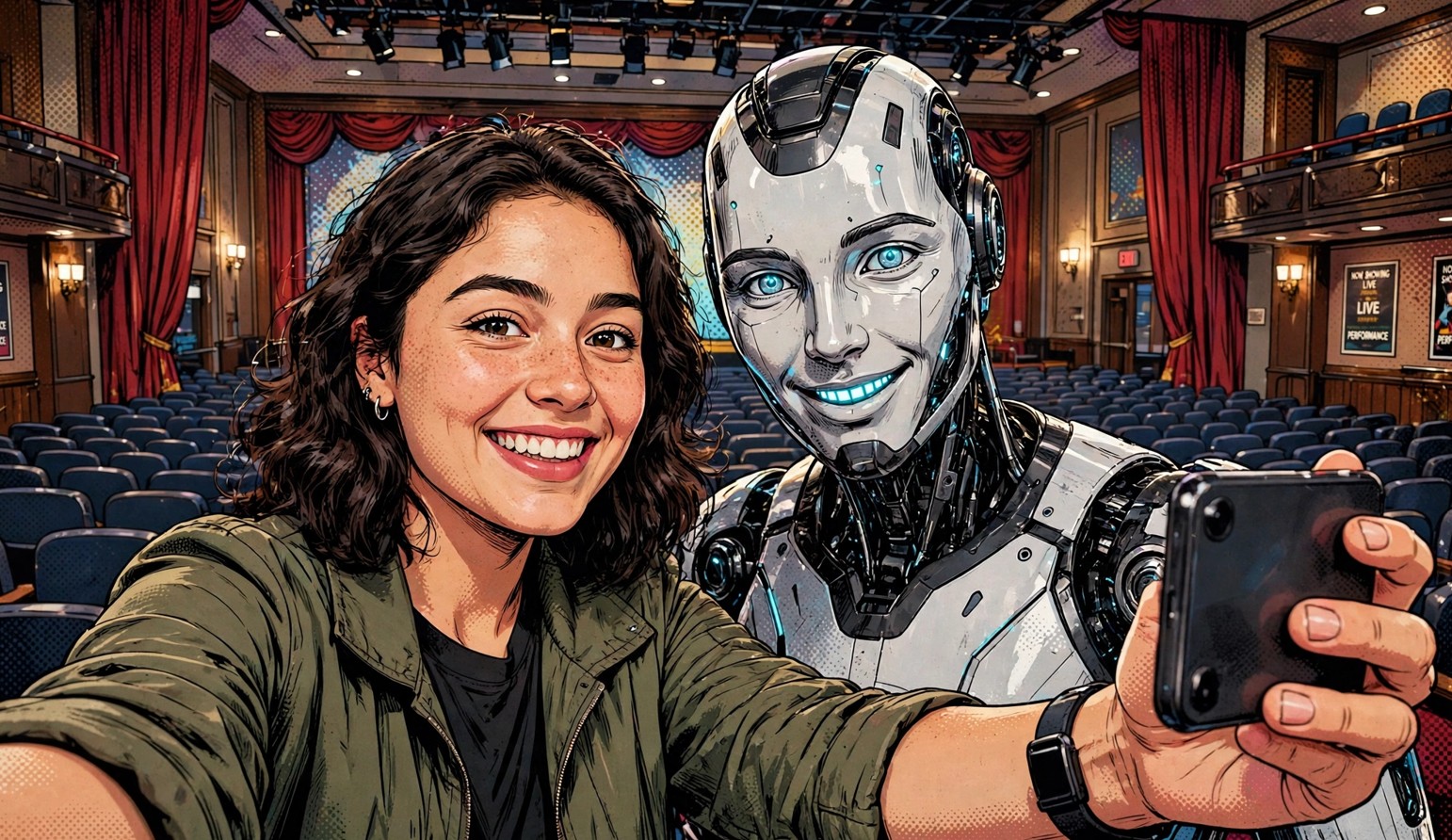
This runs in four quick steps. Have your team's ~700-word write-up handy — the AI asks for it first, so it actually understands what your team built before directing anything. Then it guides your selfie, takes your assigned testimonial story, and hands you the exact image prompt to bring it to life.
Any of the four work — pick whichever you already have open, attach your selfie as the reference image, then paste the prompt the AI gives you.

Bring everything together manually: the 10-slide deck (7 text + 3 landscape visuals) plus everyone's finished portrait testimonial visual and story — that's your final 15-slide deck. Make any last corrections as a team, then post it to the Solution Hub channel in Discord.
Two hours, one team — from Purpose Prompt to a 15-slide deployed solution deck.
Post your final deck to the Solution Hub channel of your Discord server.